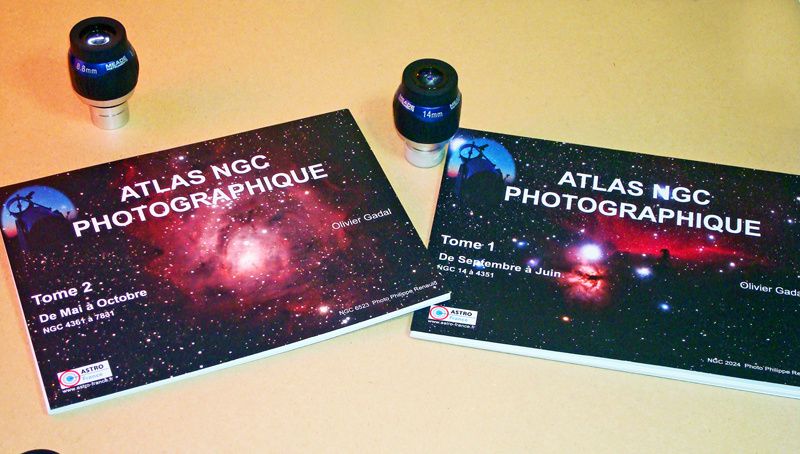
BOOST YOUR OBSERVATIONS !
S ee the U niverse in a different way !
An A tlas designed for D eep s ky o
► 2 NGC objects until 13th magnitude picture data
► Links towards the pages of 3 most common Sky Atlas location
► Indications for Filters
► A nti-moisture paper outdoor
———————————————— ————— —————————————————————
PRINCIPLE
(See also below Videos Tutorials for Use)
———————————————— ——————————————————————————
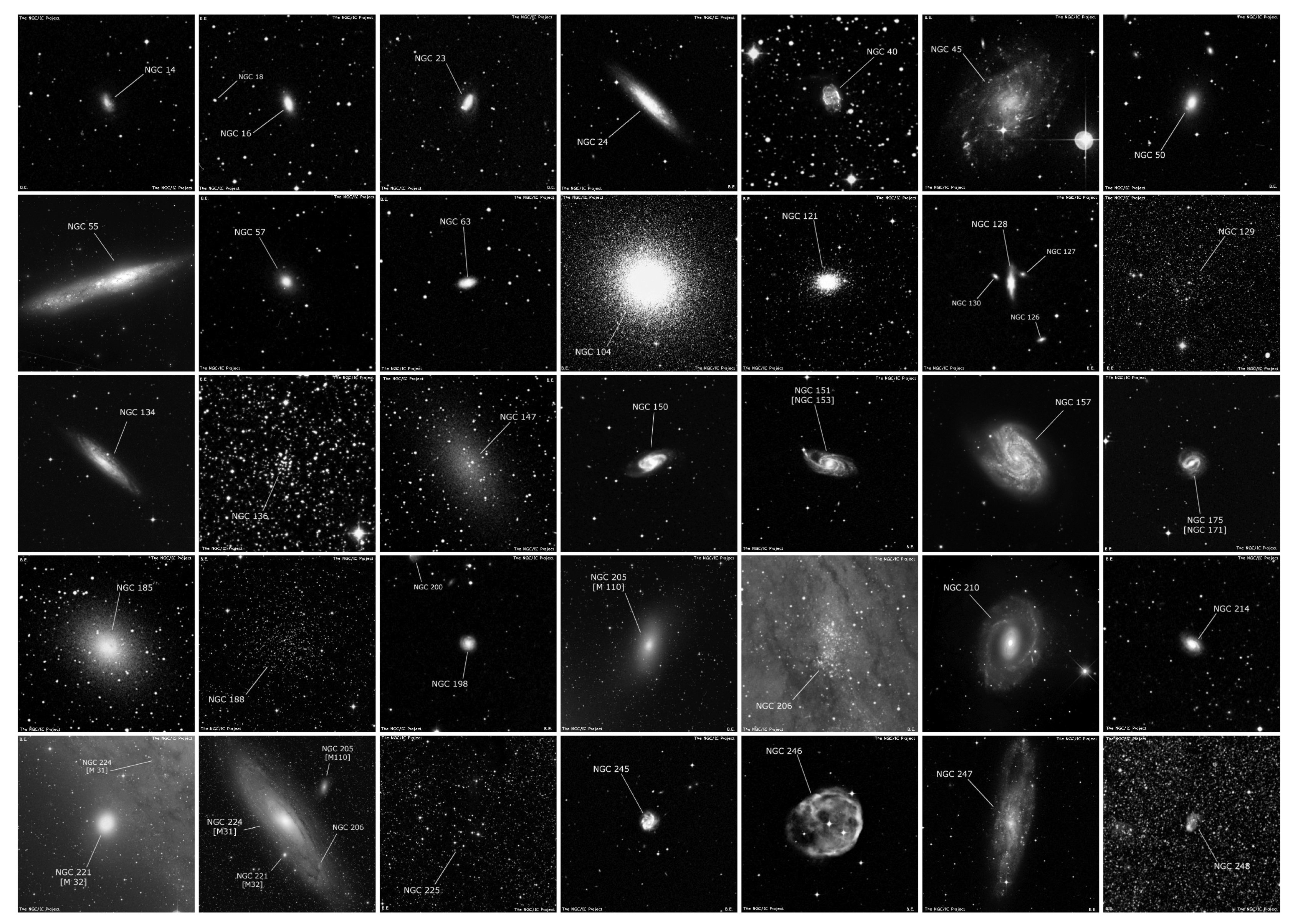
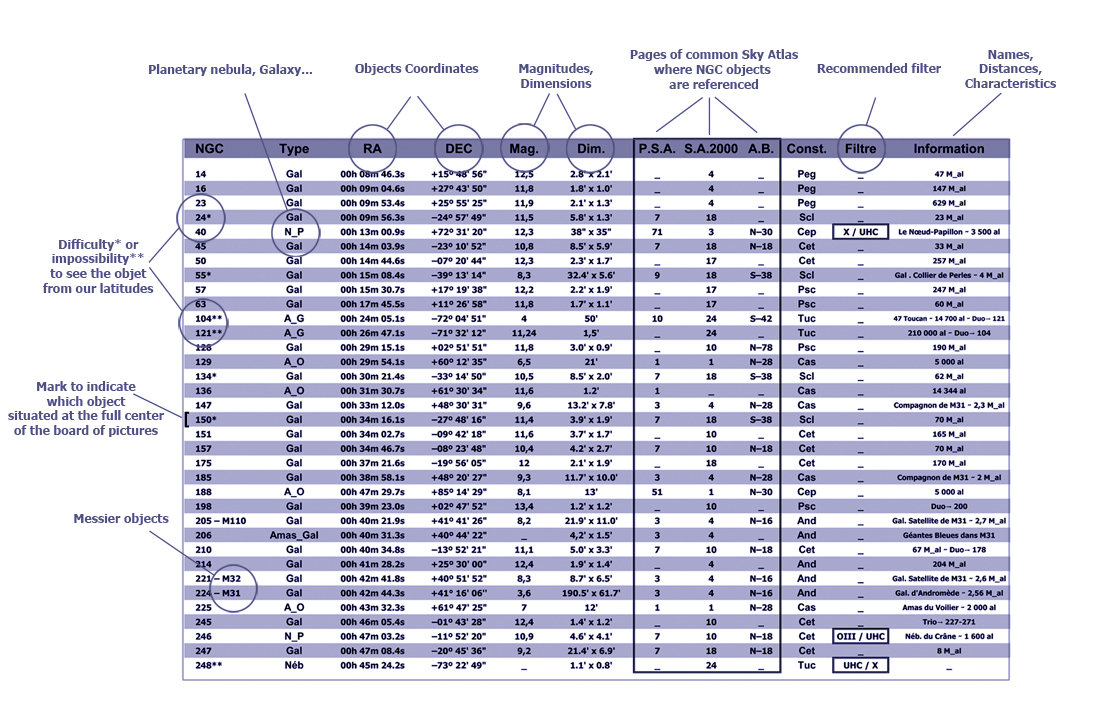
A board of Pictures → A board of corresponding Data
For each of the 2000 objects :
■ Photography of the NGC object ■ Constellation of the object
■ Number of the NGC object ■ Distance of the object
■ Type of object ■ Magnitude of the object
■ Coordinates of the object ■ Apparent dimensions of the object
■ Common name of the object ■ Recommended Filters for all nebulae
■ Location on 3 Sky Atlas (PSA...) ■ ... and useful other mini-informations
The NGC Photographic Atlas is writting in french language, but can be usefull by english (language) people.
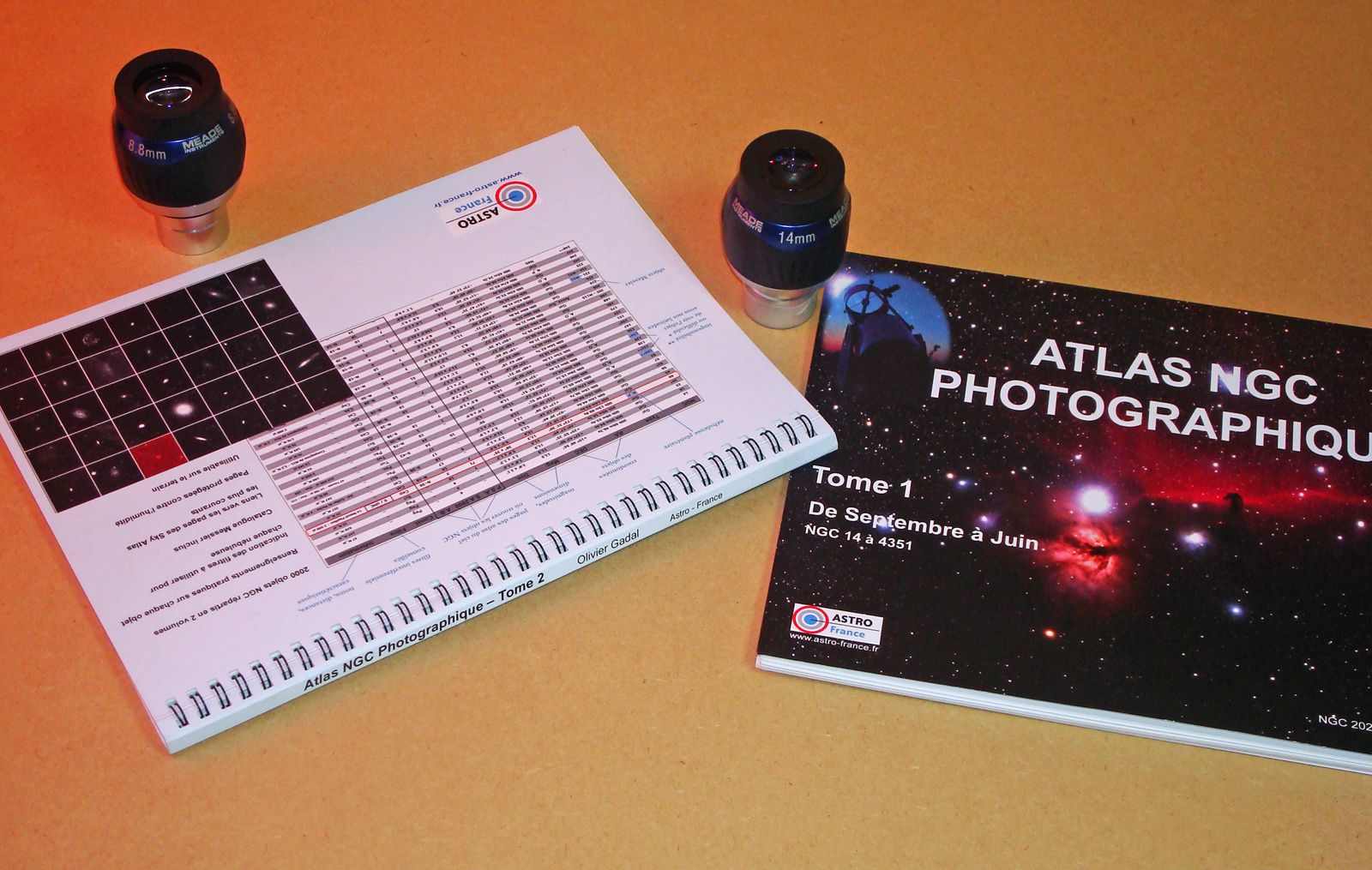
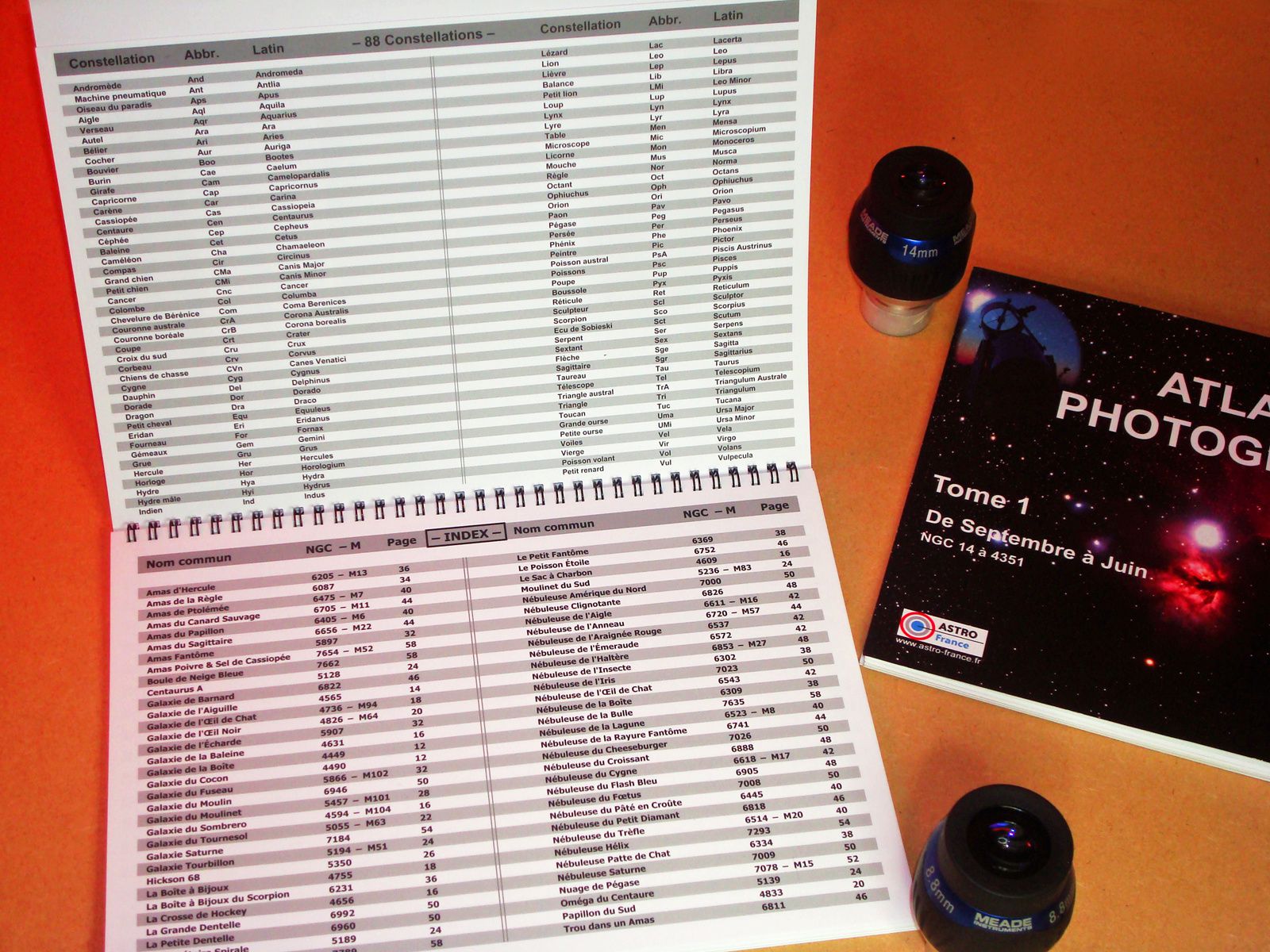
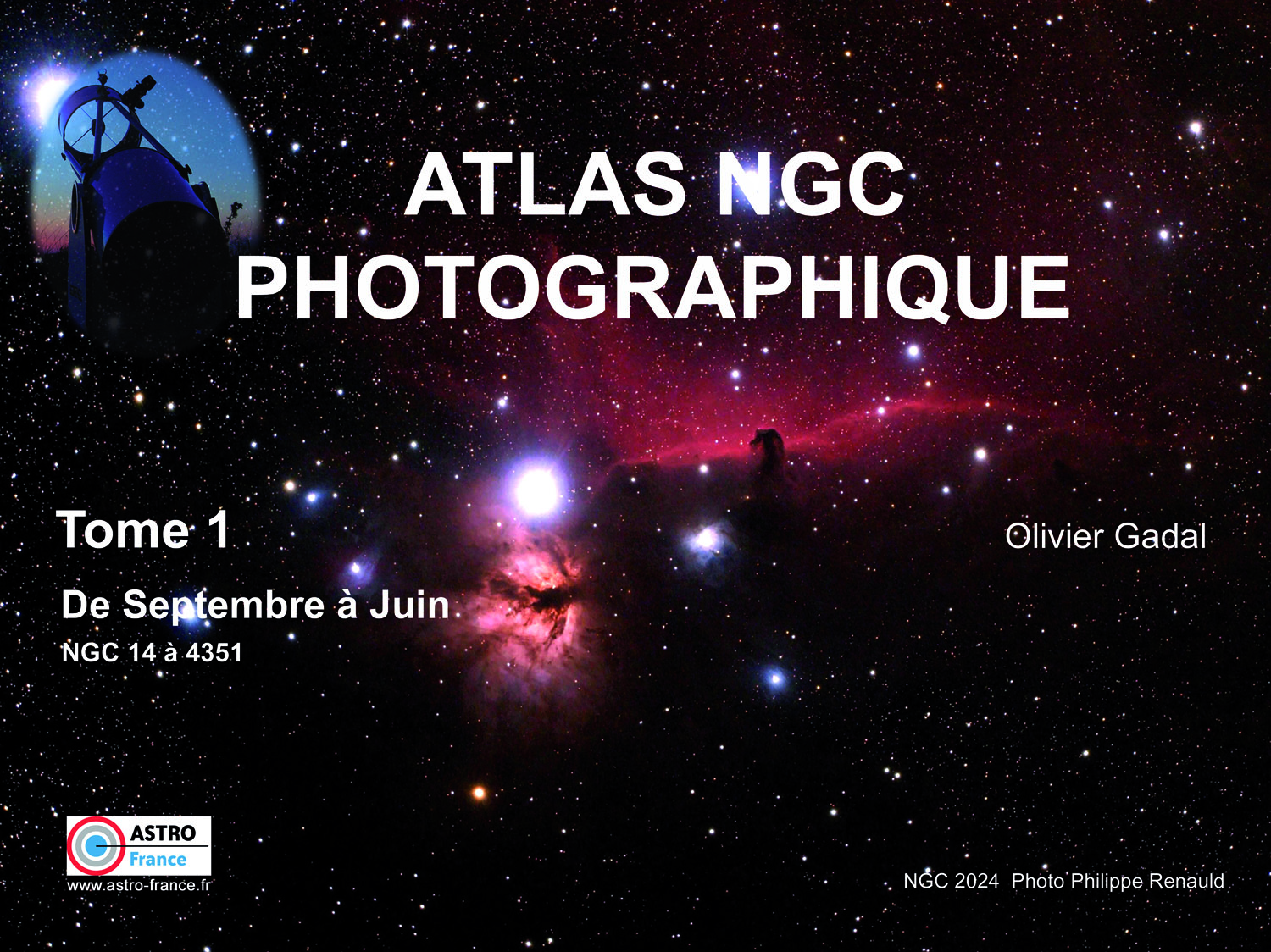
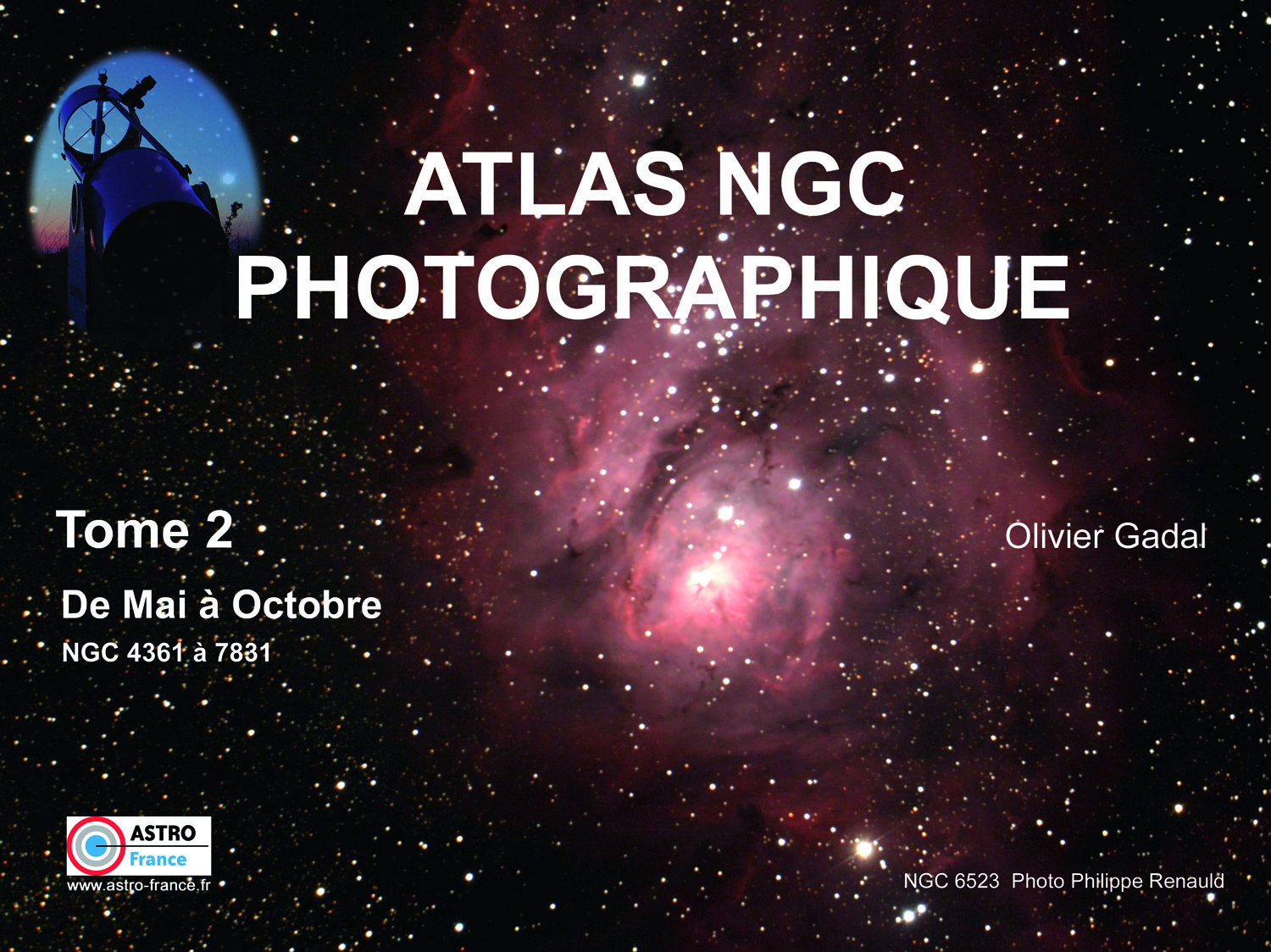
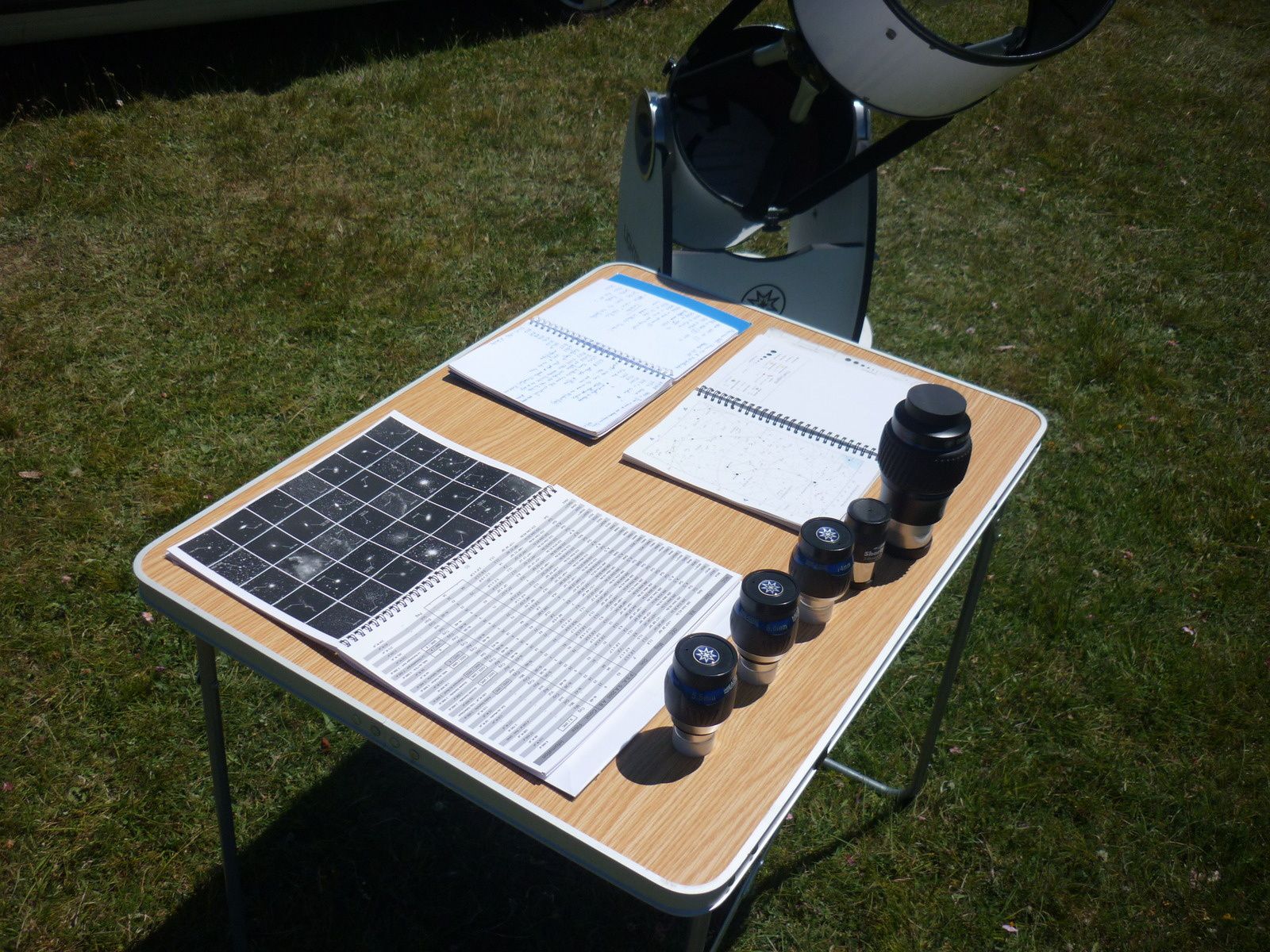
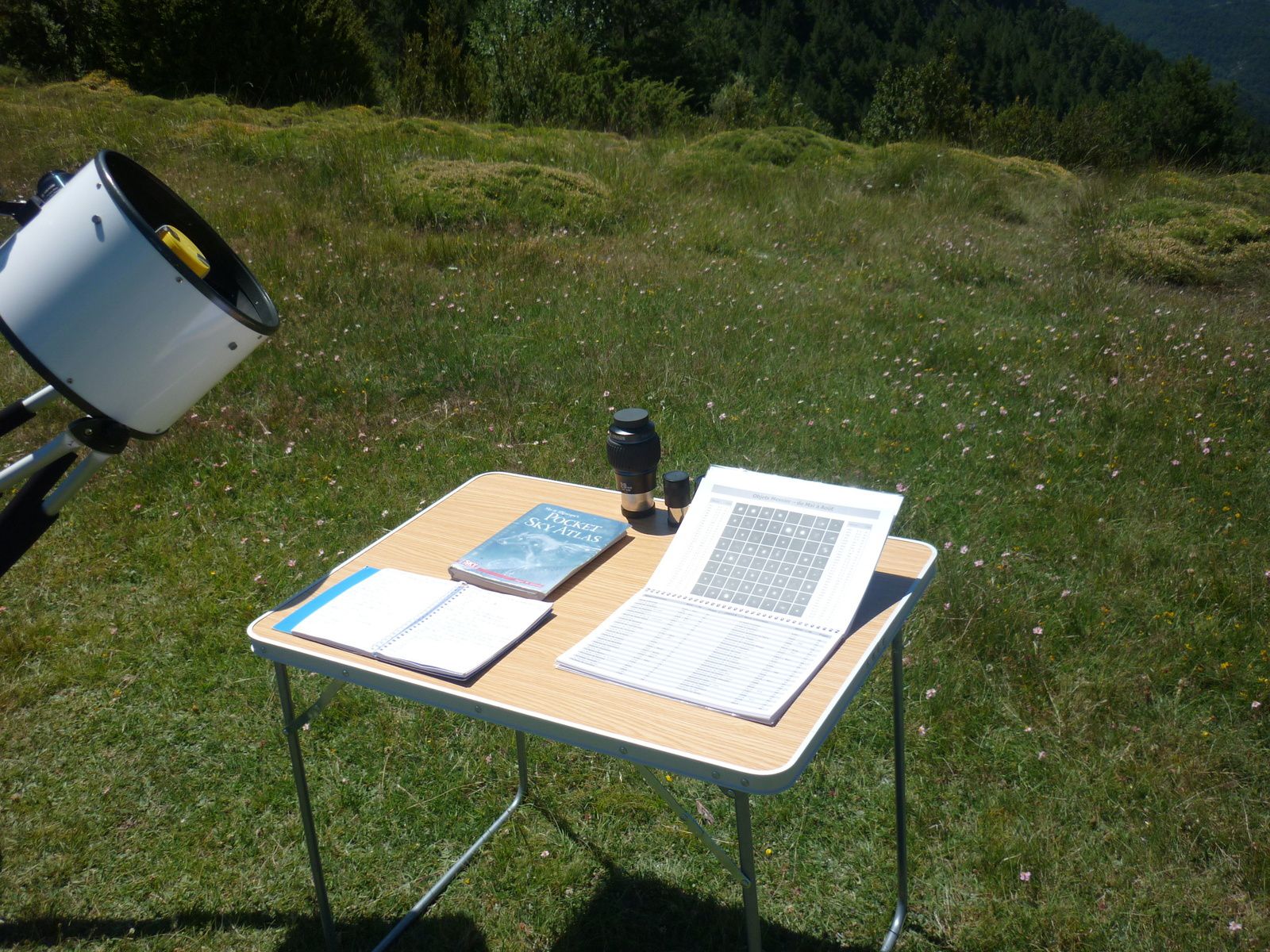
This Atlas offered in 2 volumes, was conceived to allow the visual observer and the astrophotographer to quickly vizualise the aspect of the NGC and Messier objects.
On every double spread, we so find 35 objects in images and a board gathering their useful data (type, coordinates, magnitude, distance, etc...).
Format A4 (30cm x 21cm), 170g paper (350g for the cover) anti-moisture, 2 volumes.
———————————————— ——————————————————————————
GO THROUGH
Go through an Extract of each Volume
———————————————— ——————————————————————————
Volume 1 (68 pages) Volume 2 (60 pages)
———————————————— ——————————————————————————
H ow does it work ?
———————————————— ——————————————————————————
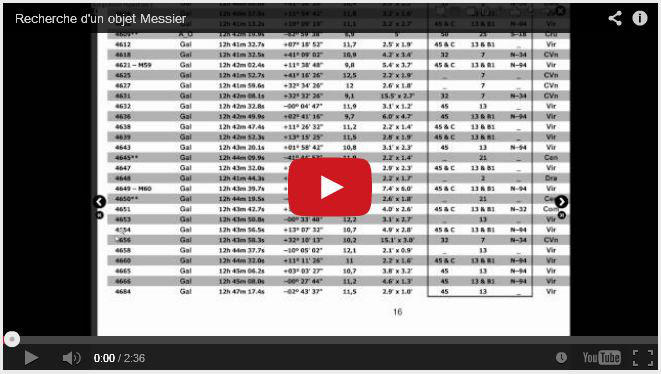
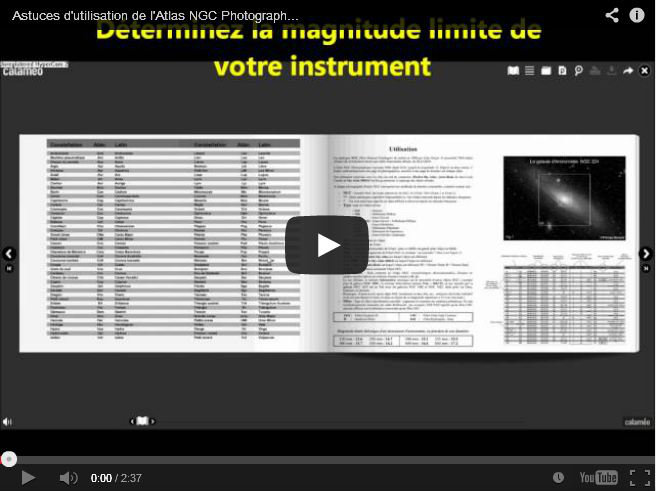
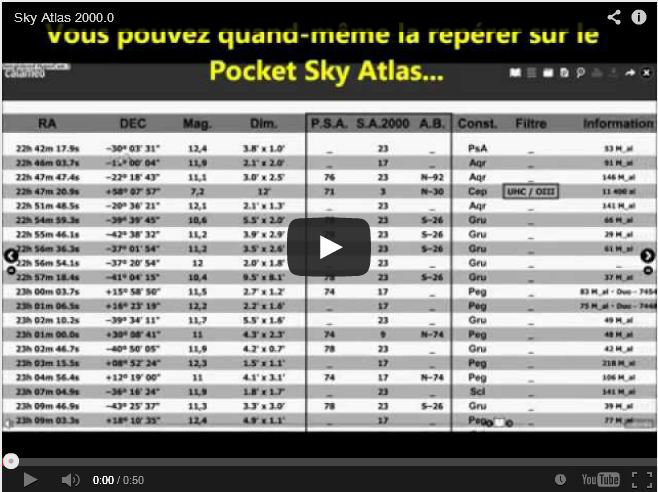
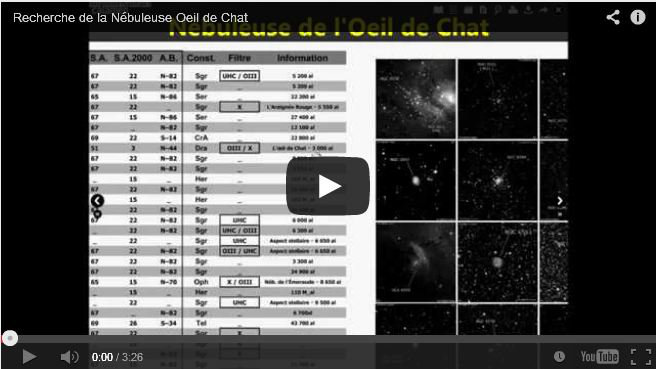
( E xplanations in HD Videos)
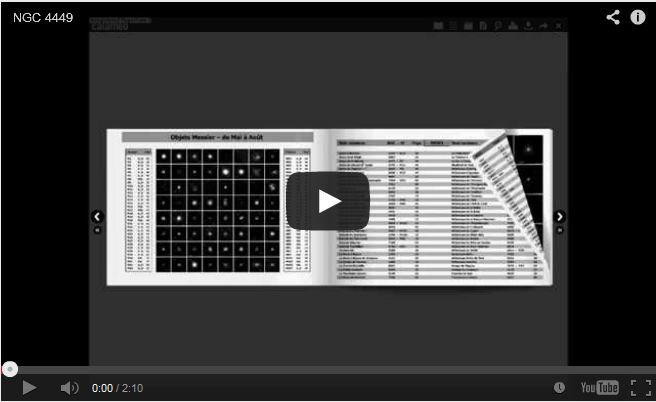
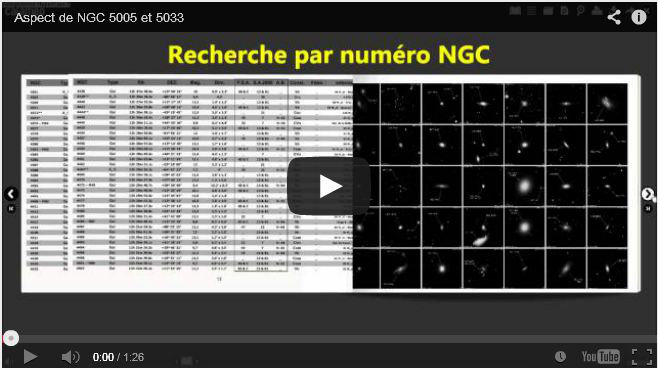
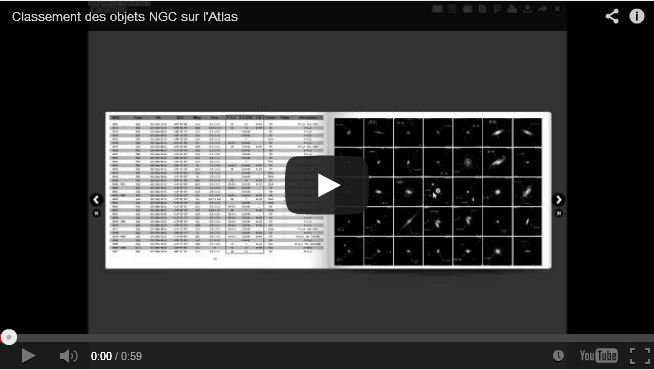
Find a Messier object Casting on photo Tricks !
Do you look for ideas of observations ?
The NGC Photographic Atlas proposes it to you hundreds every night...
———————————————— ——————————————————————————
PRESS
———————————————— ——————————————————————————
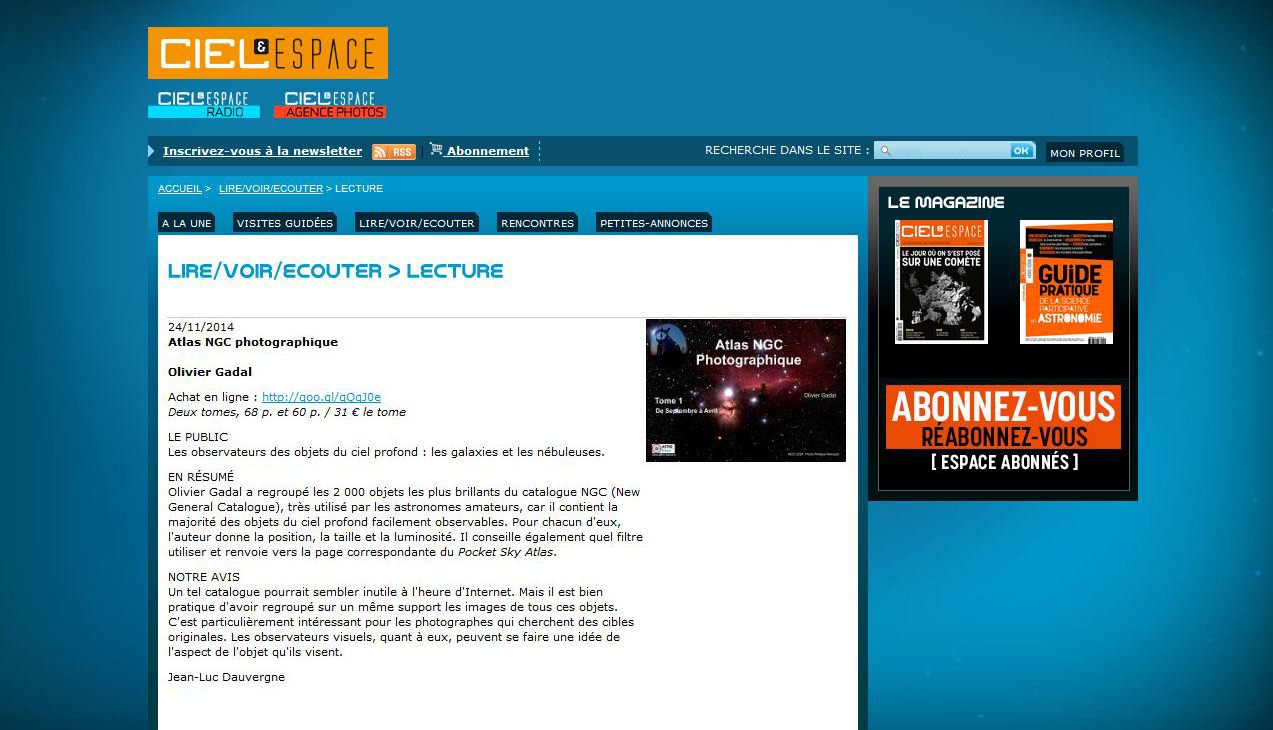
CIEL & Espace N° 534 – November 2014 TRANSLATION HERE
TRANSLATION HERE
M
Choose USA or Europe (for shipping)


/image%2F0325698%2F20191125%2Fob_e0c858_logo.JPG)